
Screenshots
App details
- Updated
- Aug 14, 2014
- Language
- English
- Category
- Mobile
SoftPas in:
This product is also available in the following languages:
About My SMS
Download My SMS – send and receive SMS, desktop messaging, mobile integration, text messaging tool, Windows app, SMS sync
Overview
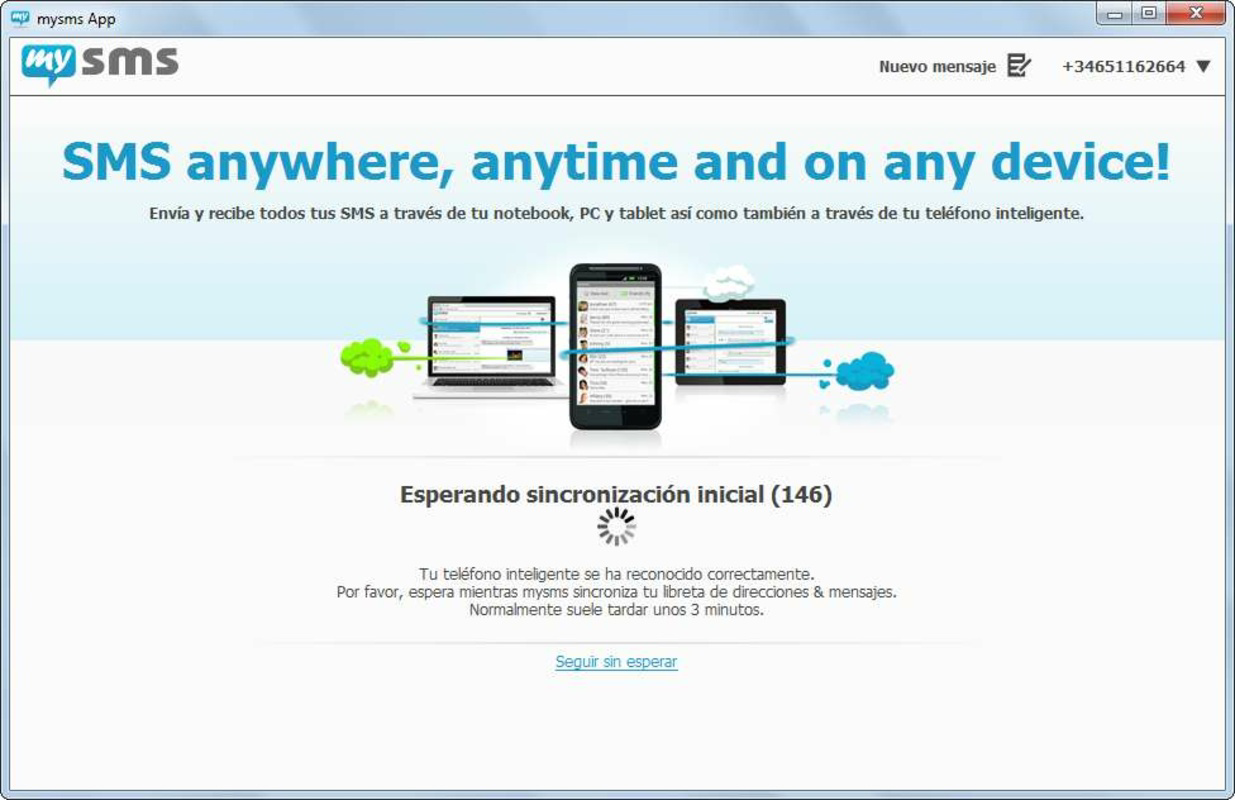
My SMS is a productivity-focused mobile application designed to bridge the gap between smartphone text messaging and desktop computing. By enabling users to send and receive SMS directly from their Windows PC, the app streamlines communication for individuals who spend significant time at their computer. The core purpose of My SMS is to reduce dependency on mobile devices during work or study sessions, allowing users to manage messages efficiently without switching contexts. This is particularly beneficial for professionals, students, and remote workers who need to stay connected while maintaining focus on their primary tasks.
The app targets users seeking a seamless integration between their mobile and desktop environments. Whether handling urgent personal messages or coordinating with colleagues, My SMS offers a centralized platform for text-based communication. It supports a range of real-world use cases, such as responding to time-sensitive alerts, managing appointment reminders, or engaging in informal chats without interrupting workflow. The developer, My SMS, has positioned the app as a lightweight utility that enhances digital productivity through cross-device synchronization.
Although the developer did not provide additional technical details, the app’s release date of August 14, 2014, indicates a long-standing presence in the productivity space. Despite its age, My SMS continues to serve users who value simplicity and direct functionality. Its role in the app ecosystem lies in offering a no-frills solution for SMS management on Windows, filling a niche often overlooked by larger messaging platforms.
Key Features & Functionality
My SMS delivers a focused set of features aimed at improving the messaging experience on desktop systems. The primary functionality centers around sending and receiving SMS messages directly from the Windows client, eliminating the need to reach for a mobile device. This feature is especially useful during prolonged computer use, enabling faster typing via a physical keyboard and reducing the cognitive load associated with constant phone checking.
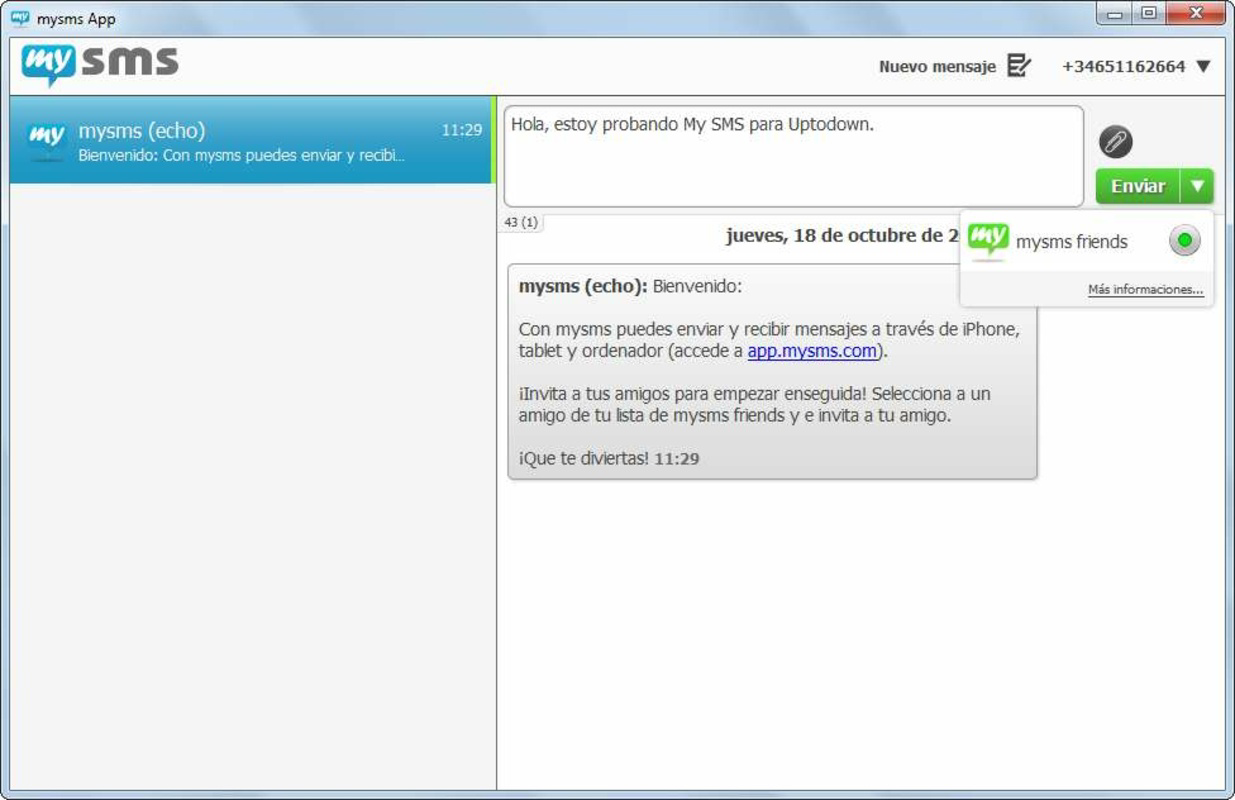
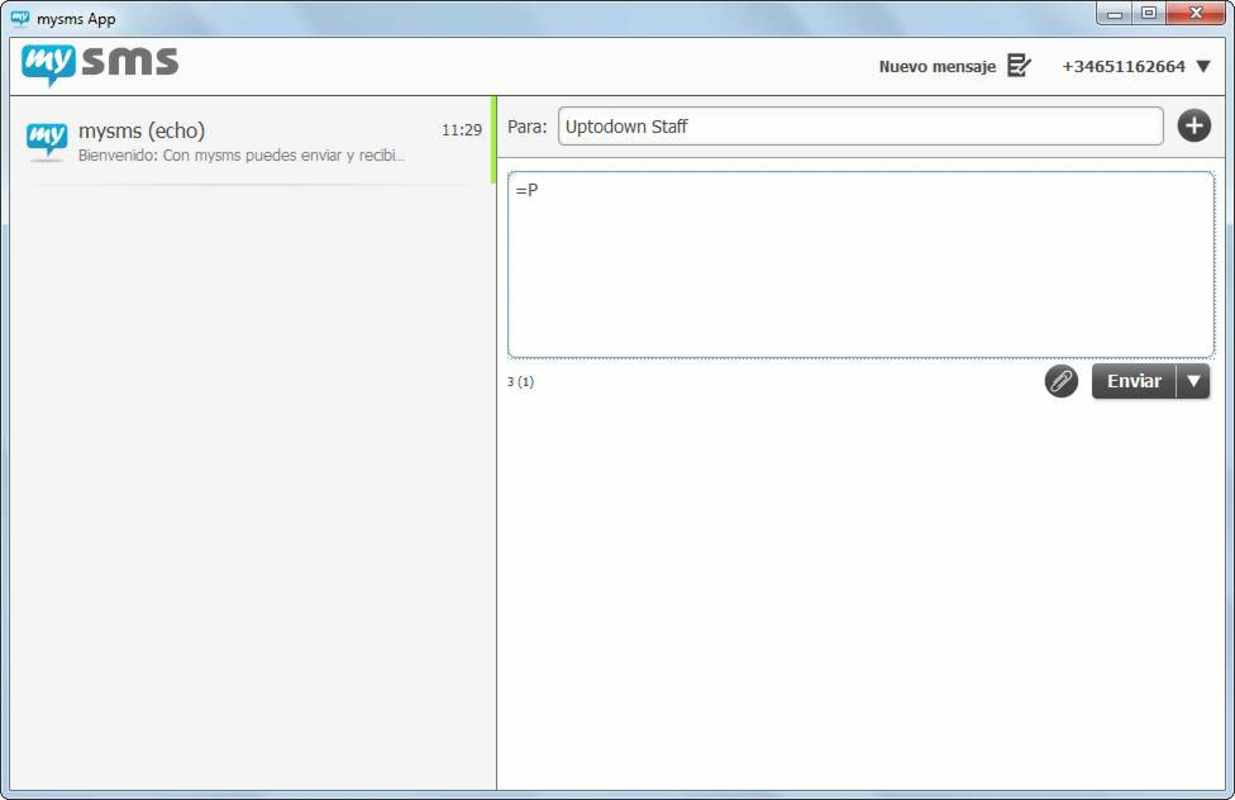
- Send and Receive SMS from Desktop: Users can compose and send messages using the desktop keyboard, with replies appearing in real time. This enhances speed and accuracy, particularly for longer messages.
- Background Operation: The app continues running in the background even after being minimized, ensuring instant notifications for incoming messages. This maintains connectivity without requiring active monitoring.
- Cross-Platform Compatibility: My SMS supports Android, iOS, and Windows Phone, allowing users across different ecosystems to sync their messages with the desktop client.
- User-Friendly Interface: The layout is designed for simplicity, with intuitive navigation and clear conversation threads. New users can quickly adapt to the interface, minimizing the learning curve.
- Manual Close Option: A system tray option allows users to fully close the application when not in use, giving control over resource usage and privacy preferences.
For example, a remote worker can respond to a client’s text during a meeting without pulling out their phone, while a student can manage group chat updates while writing a paper. These practical applications highlight the app’s value in enhancing multitasking efficiency.
Interface, UX & Performance
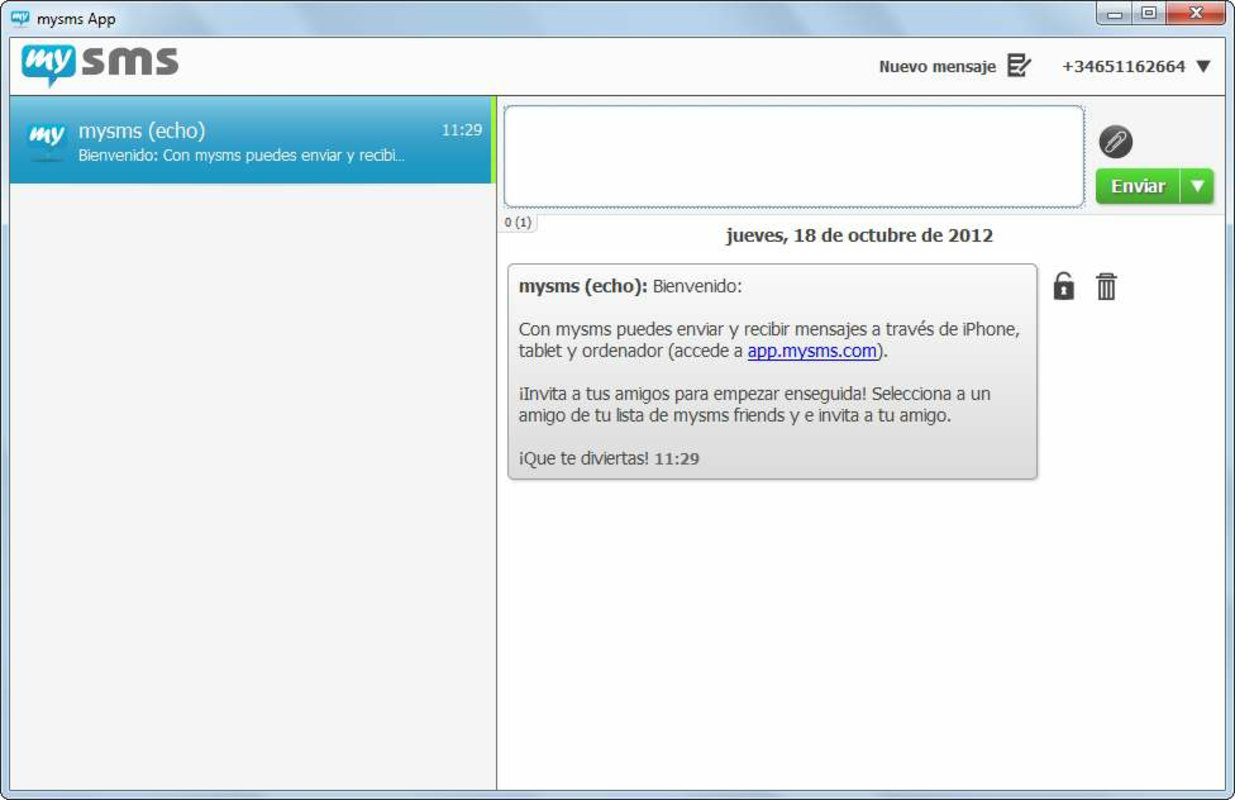
The user interface of My SMS is built around clarity and minimalism, prioritizing function over visual flair. The layout features a clean message list on the left and a conversation window on the right, mirroring the structure of many modern messaging apps. Navigation is straightforward, with easy access to recent conversations, message history, and settings.
Interaction is intuitive, relying on standard desktop gestures such as clicking, typing, and dragging. The app’s responsiveness is consistent with lightweight desktop utilities, though the developer did not list formal performance metrics. Users can expect smooth operation on systems with standard specifications, though performance may vary on older or low-resource devices.
Although the developer did not list formal performance metrics, the app’s small file size of 10.5 MB suggests optimized resource usage. The background operation feature ensures continuous message delivery without significant impact on system performance. Stability appears reliable, as the app has been in use since 2014, indicating sustained functionality over time.
Platform Compatibility & Technical Requirements
My SMS is designed exclusively for the Windows platform, with a software version of 1.0.1.0 and a file size of 10.5 MB. The app is available at no cost, making it accessible to a broad audience. While the developer did not specify minimum OS requirements, the app’s long-standing release history suggests compatibility with multiple versions of Windows, including Windows 7 and later.
Users should verify compatibility with their specific Windows installation, especially on older systems. The absence of detailed system requirements means that installation and operation may depend on the user’s discretion. The app’s lightweight nature increases the likelihood of successful deployment across a wide range of devices, from desktops to laptops.
Pros and Cons
- Free to download and use, making it accessible for budget-conscious users
- Enables seamless SMS management from desktop without constant phone use
- Supports multiple mobile platforms, enhancing cross-device flexibility
- Simple, intuitive interface suitable for users of all technical levels
- Background operation ensures timely message delivery
- Developer did not provide detailed system requirements or compatibility information
- App has not been updated since 2014, raising concerns about modern OS support
- No cloud backup or synchronization across multiple desktops
- Limited to SMS-only communication, lacking support for multimedia messages
- Manual close required for full termination, which may be overlooked by some users
FAQ
Is My SMS safe to use on my Windows PC?
Yes, the app is free and does not require payment or additional permissions beyond standard messaging access. As it operates through local device pairing, sensitive data remains on your personal devices.
Can I use My SMS on multiple Windows computers?
While the app can be installed on multiple Windows systems, there is no built-in cloud sync feature. Each installation must be paired separately with your mobile device.
Does My SMS support multimedia messages (MMS)?
Based on available information, the app is designed for SMS text messaging only. Support for MMS or image sharing was not specified.
How do I update My SMS?
As of now, no update mechanism is documented. The current version is 1.0.1.0, released in 2014. Users should check the official source for any future updates.
Is My SMS compatible with Windows 11?
The developer did not confirm compatibility with Windows 11. However, given its lightweight design, it may function on newer systems, though this is not guaranteed.
Final Thoughts
My SMS remains a practical tool for users who value direct SMS access from their desktop without the distraction of switching between devices. Its simplicity, low resource footprint, and cross-platform reach make it a viable option for those seeking a no-nonsense messaging utility. While the lack of recent updates raises questions about long-term viability, the app continues to deliver on its core promise: efficient, desktop-based text messaging.
For professionals, students, and anyone managing frequent communication, My SMS offers a reliable way to stay connected. Its free status and straightforward setup enhance its appeal as a lightweight productivity enhancer. Despite its age, the app holds relevance in a niche where minimalism and functionality are paramount.
Download My SMS now
Guides & Tutorials
How to install My SMS
- Click the Download button above.
- Once redirected, accept the terms and click Install.
- Wait for the My SMS download to finish on your device.
How to use My SMS
This software is primarily used for its core features described above. Open the app after installation to explore its capabilities.
User Reviews
No reviews yet. Be the first to share your experience.
You may also like
more
Que no te pillen¡
About !Que no te pillen¡Reviewed by Jason A. BilbreyShow MoreShow Less

3D Combat Zone
About 3D Combat ZoneOriginally released in 1983, 3D Combat Zone immerses players...

666: El día del portal
About 666: El día del portalOn June 6, 2006, Agent P. Stone uncovers a sinister...

80 in 1 Best Flash games
About 80 in 1 Best Flash games 80 in 1 Best Flash games is a collection of 80 fl...

ABYSS SEEKERーーWhat Do You See Deep in The Abyss
About ABYSS SEEKERーーWhat Do You See Deep in The AbyssIn ABYSS SEEKER, players...

ACA NEOGEO THE KING OF FIGHTERS 2002 for Windows
About ACA NEOGEO THE KING OF FIGHTERS 2002 for WindowsTHE KING OF FIGHTERS 2002,...